|
|

Logitech Gaming Software Lua Script
本帖最后由 AndroidOL 于 2014-12-13 12:15 编辑
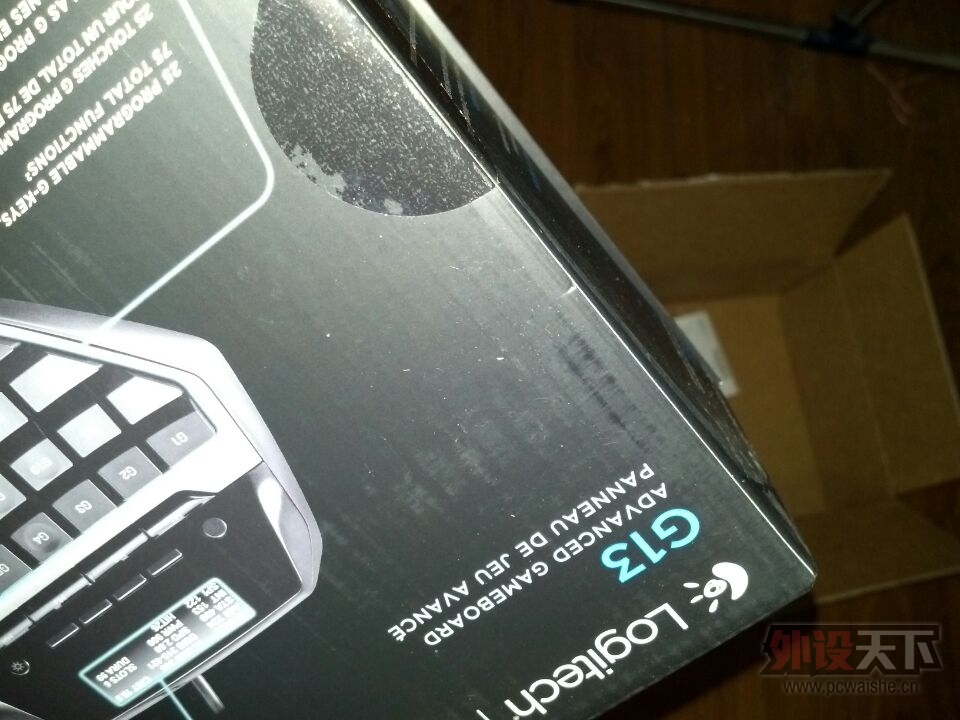
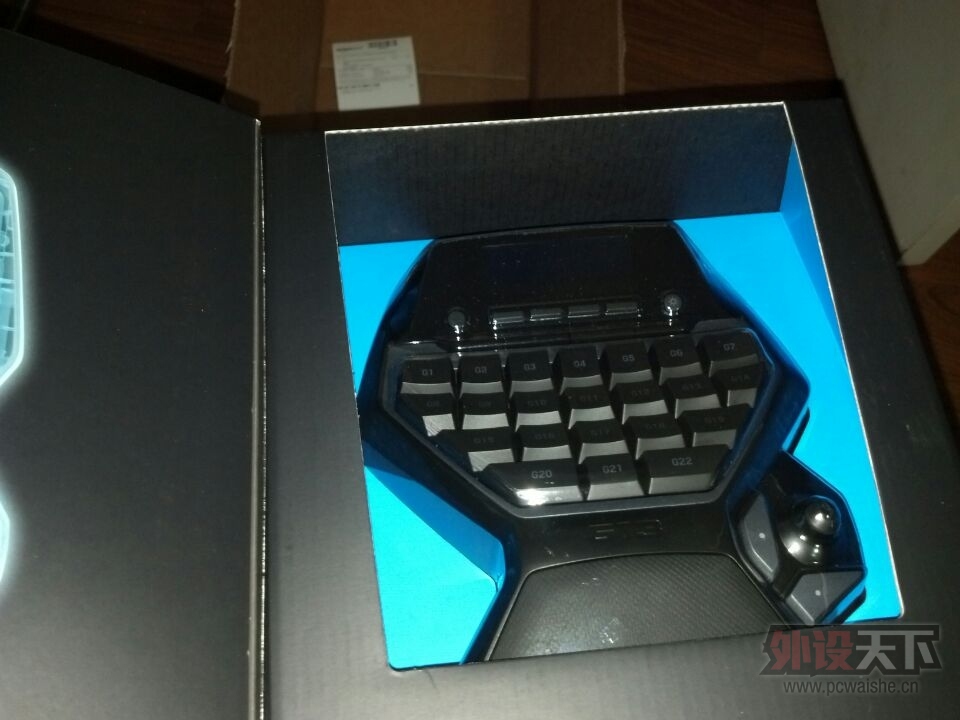
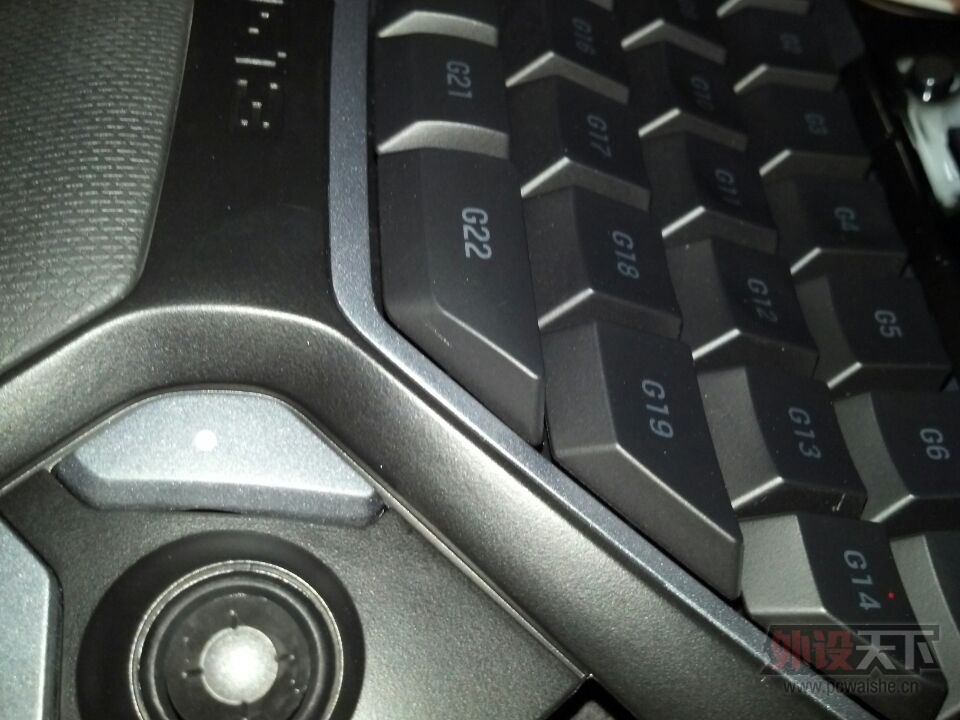
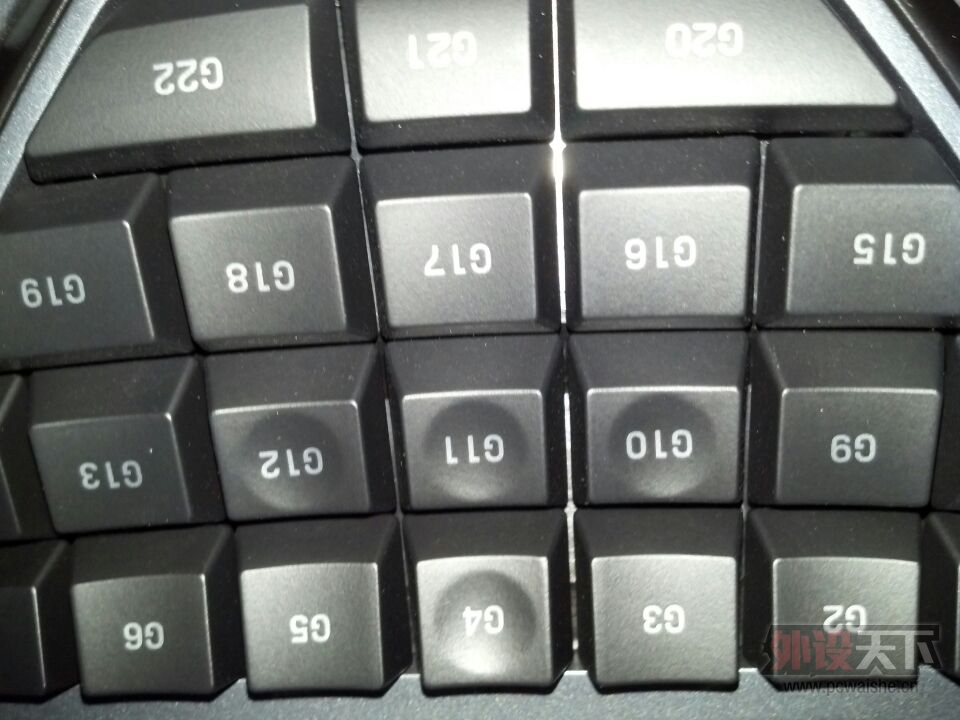
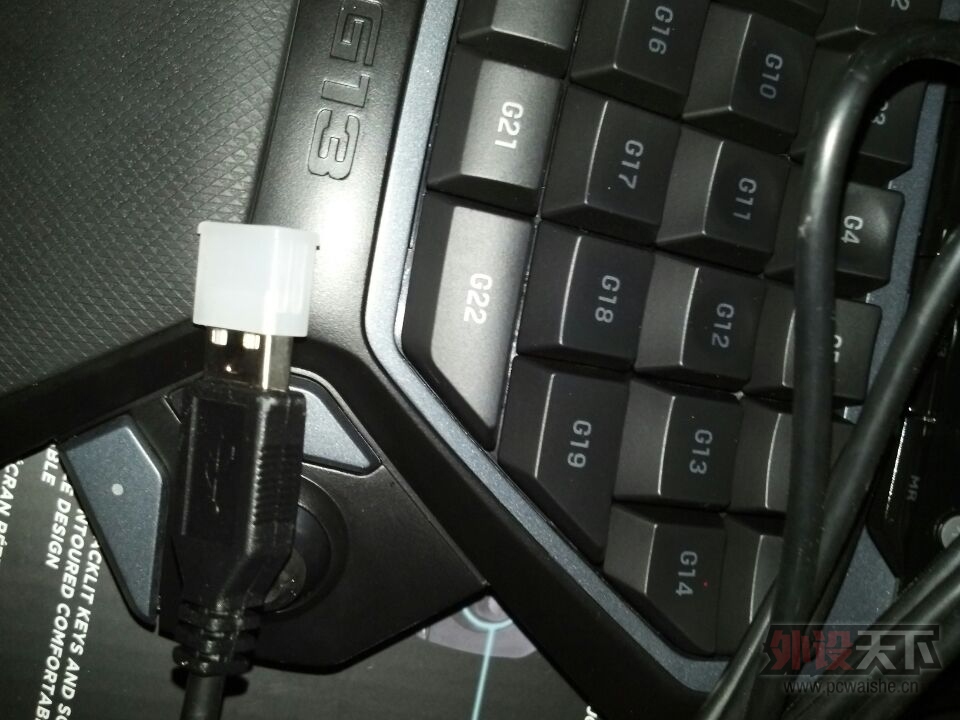
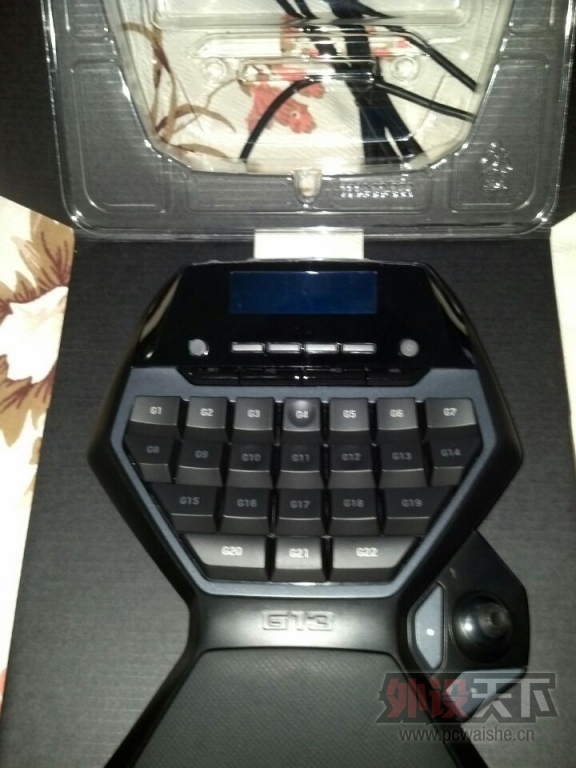
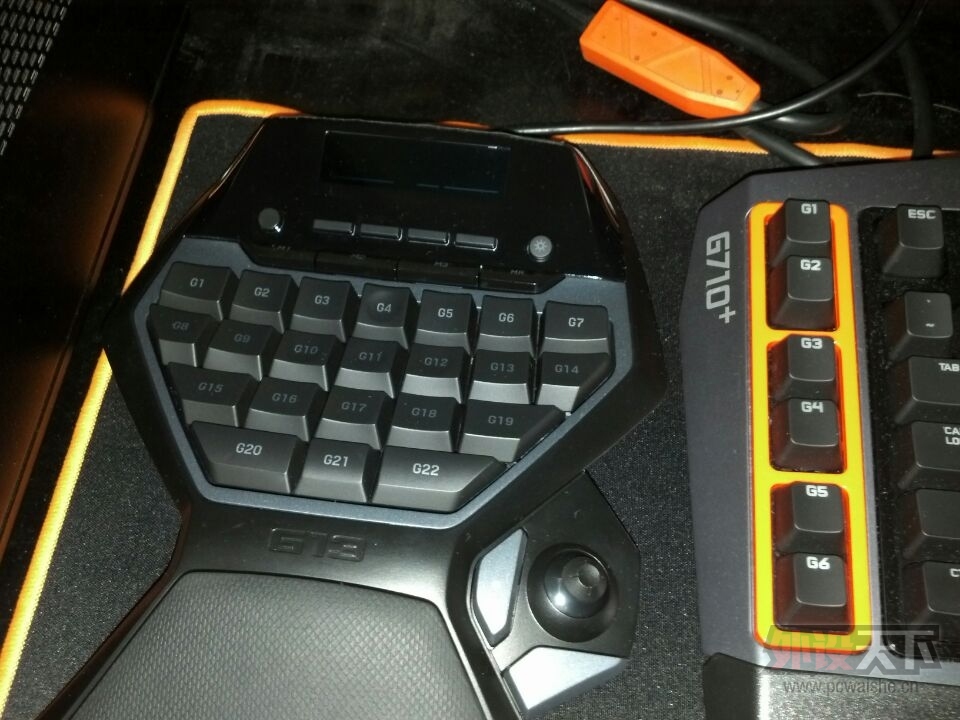
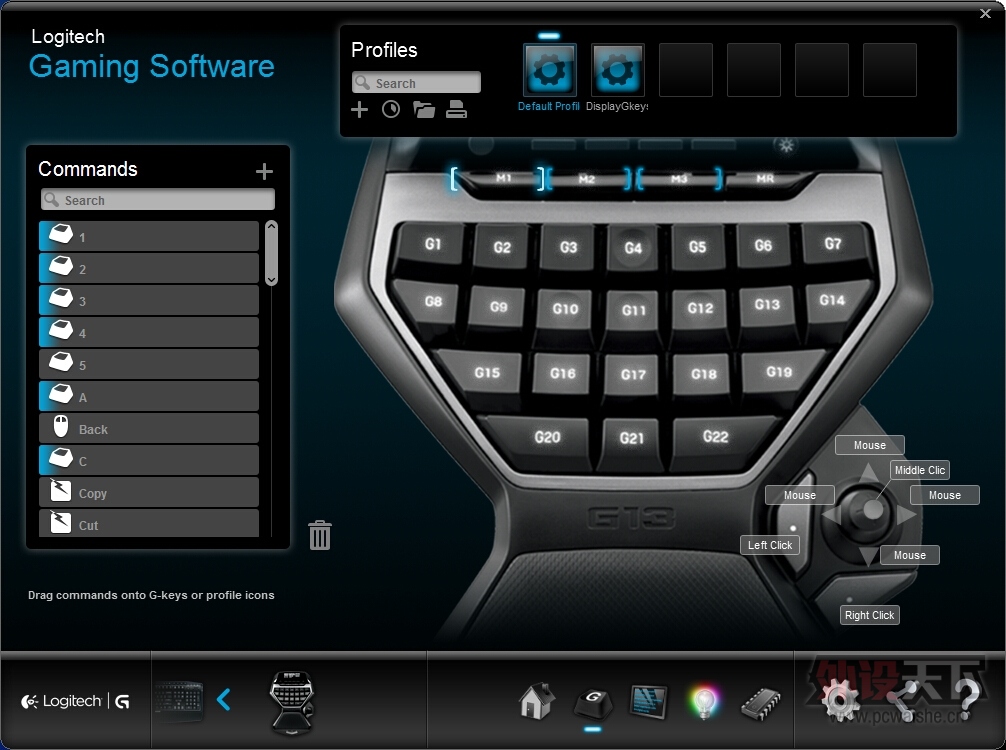
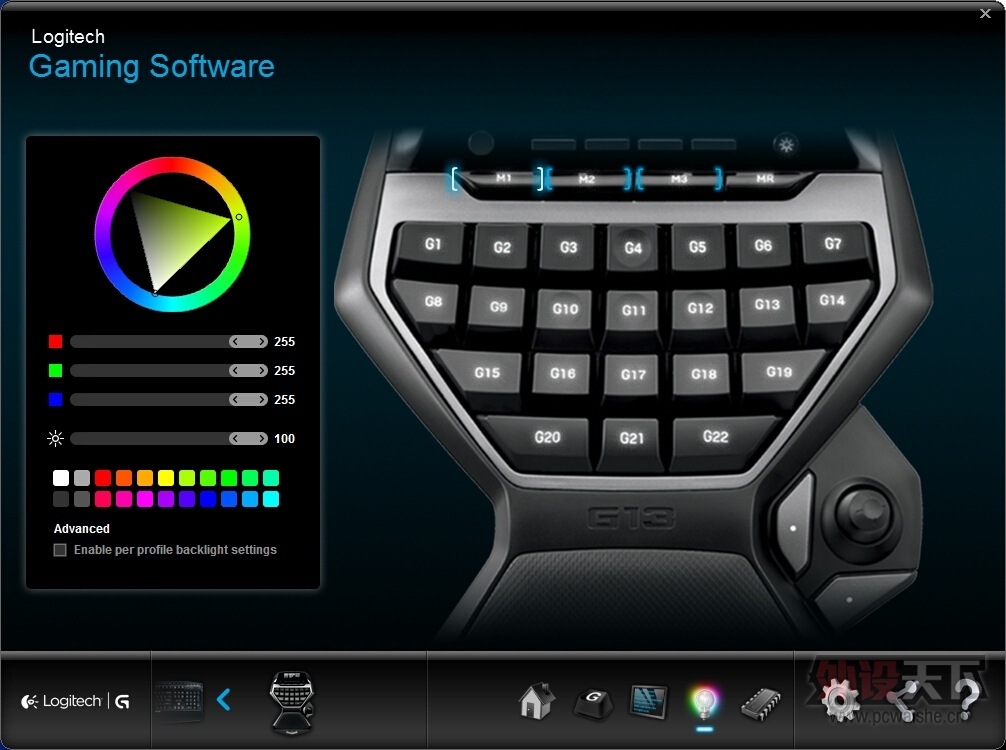
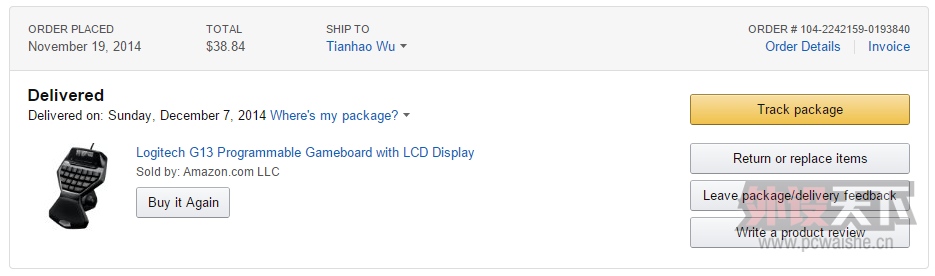
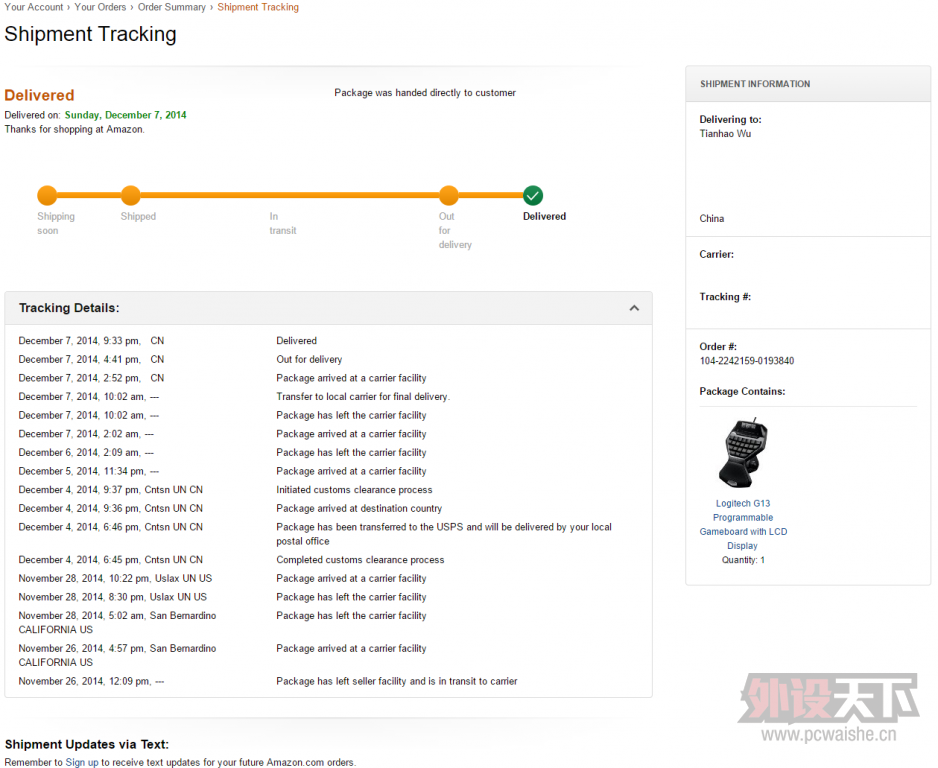
简单说下重点,今天那快递送到学校,有同学问我买这个玩游戏?其实我不太明白这个东西和游戏之间有什么关系,玩游戏用这个不如买个分离式的键盘,话说游戏意义何在。至于我为什么不设置G键,我觉得用脚本更方便实现。
至于作用,根据环境决定吧,比如在 Photoshop 中 G2 减小笔刷,G3 切换图层,G5 设置滤镜,G6 增大笔刷,G4 G10 G11 G12 微调选中部分一个像素,同时按住 G20 则调整选中部分十个像素,G9剪切,G13粘贴等等;在 AutoCAD 中 G4 G10 G11 G12 则控制鼠标移动一个像素,G3 切换图层 G5 创建鼠标所在的 Boundary 平面等等;在 Visual Studio 中可以实现各种代码补全、批量段落注释、变量检查、代码自动格式化以及编译出错信息输出到 LCD 并循环滚动等等。
另外再提一下SDK的事情,Logitech 提供了四个 SDK,LCD面板、LED背光、Arx控制、G键检测。- LED SDK在8.56.43中支持亮度调整,不过由于G910的关系,在8.58.12中去除了亮度值设定。本来G710/G710+还可以通过SDK实现100级亮度调节,现在已经残废,打开8.57.105的 Logitech Gaming Software 后键盘亮度就100%了。在8.58.12中,函数原型为:bool LogiLedSetLighting(int redPercentage, int greenPercentage, int bluePercentage);。
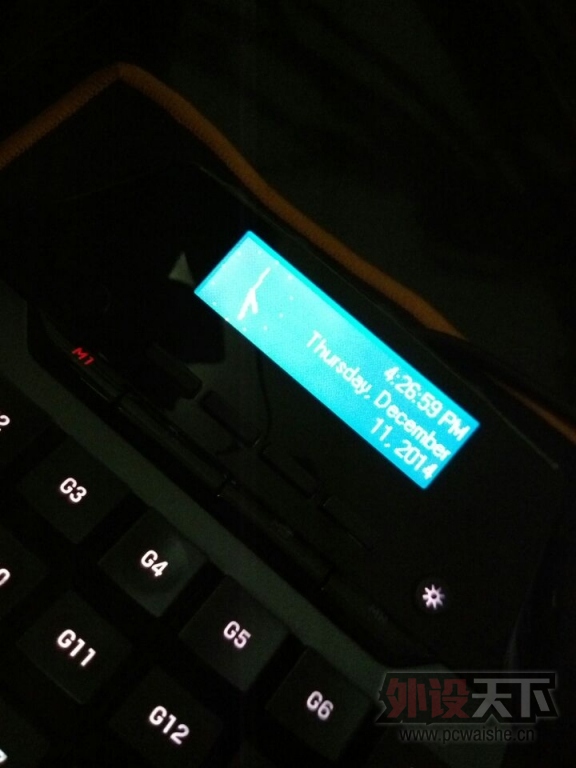
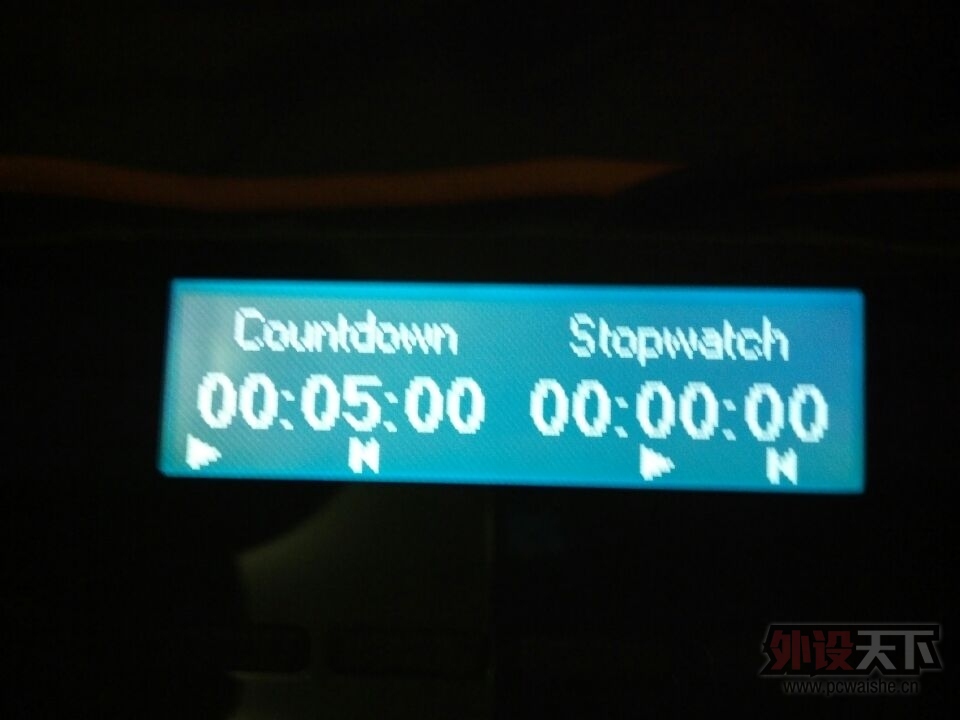
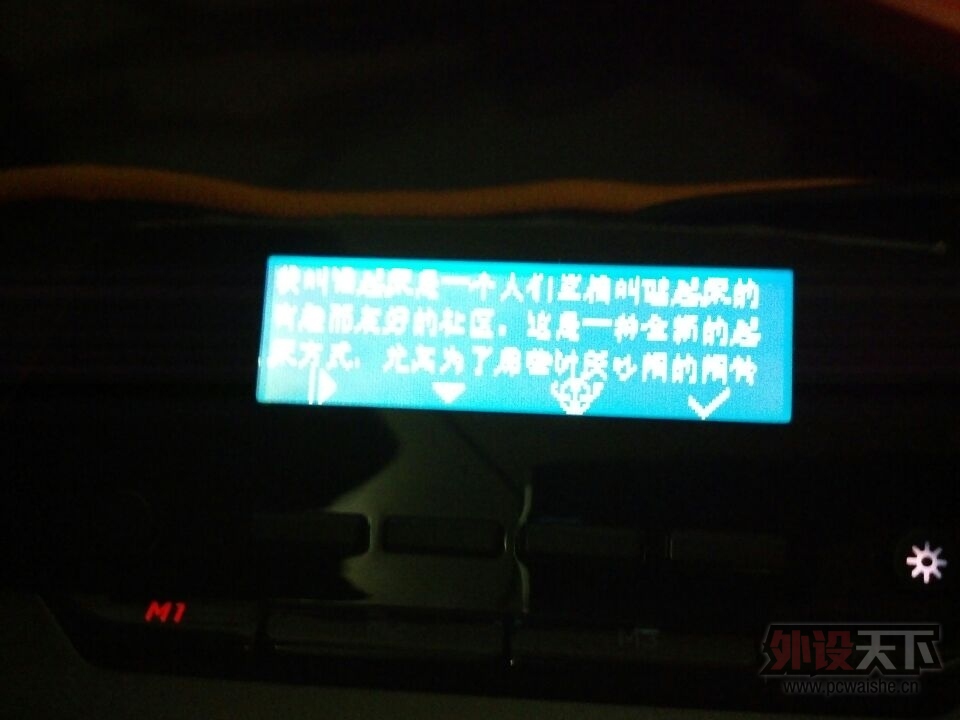
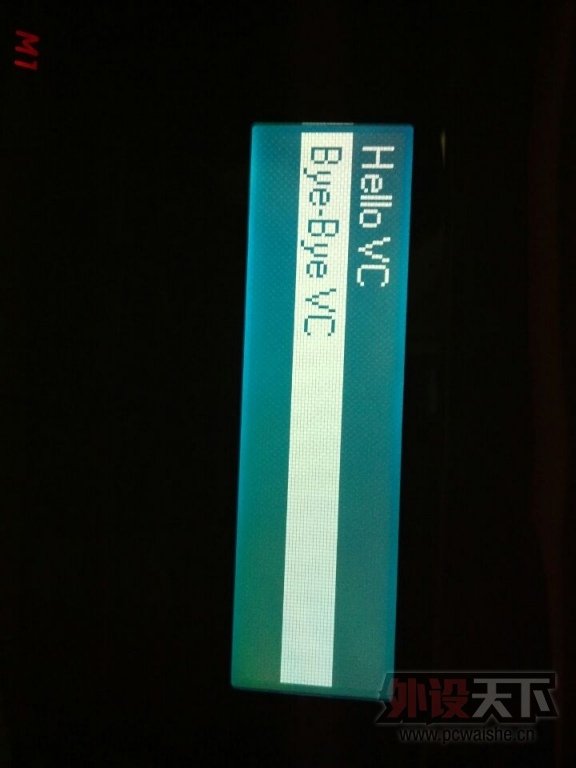
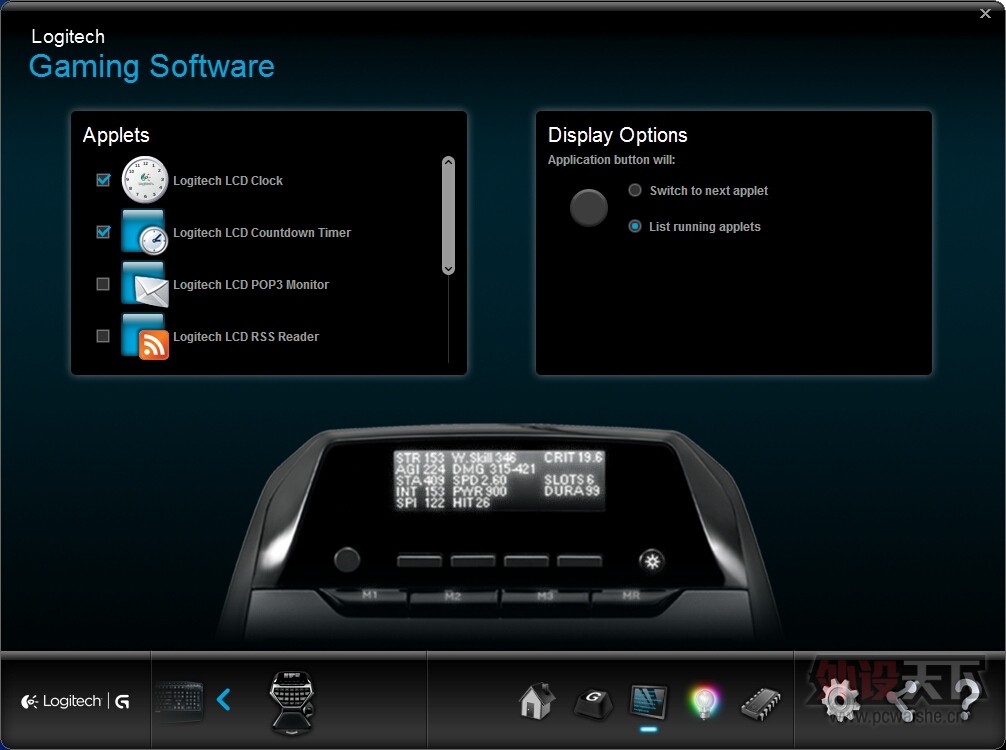
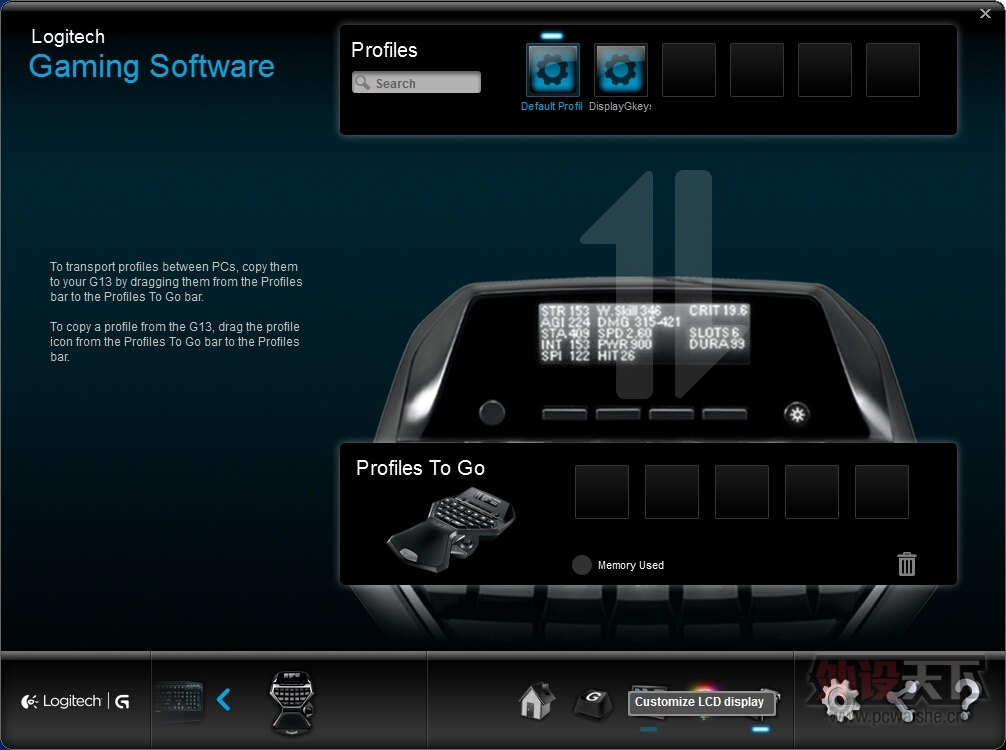
- LCD面板可以自行创建小部件,至于实现什么功能就看能力了。自带的几个虽然没太大用但是可以通过 SDK 实现窗体信息输出(包括QQ聊天记录,但中文字符显示读起来很吃力)。
- G键检测可以轻松实现“G键按下”、“G键按住”及“G键松开”三个状态获取,可在任意时刻进行检测。
- Arx没玩过,不清楚。
添加配置文件后选择需要应用的程序即可在启动程序后自动切换,比如,浏览器驱动时触发某个配置文件实现一些常用动作:
- G3 滚动锁定激活时:关闭页面、滚动锁定未激活时:关闭窗体
- G4 滚动锁定激活时:上方向键、滚动锁定未激活时:上滚一行
- G5 恢复已关闭页面(浏览器)
- G10 左键
- G11 中键
- G12 右键
- G16 获取剪切板 URL 并跳转到网页
- G17 滚动锁定激活时:下方向键、滚动锁定未激活时:下滚一行
- G18 获取当前 URL 并复制到剪切板
- G20/21/22 临时降低摇杆移动速度
详细代码:- pressCount = 0
- functionTablePress = {
- [3] = function()
- if (not IsKeyLockOn("scrolllock")) then
- PressKey("lalt", "f4")
- else
- PressKey("lctrl", "w")
- end
- end,
- [5] = function()
- PressKey("lctrl", "lshift", "t")
- end,
- [20] = function()
- pressCount = pressCount + 1
- SetMouseSpeed(32)
- end,
- [4] = function()
- if (not IsKeyLockOn("scrolllock")) then
- MoveMouseWheel(1)
- else
- PressKey("up")
- end
- end,
- [11] = function()
- PressMouseButton(2)
- end,
- [17] = function()
- if (not IsKeyLockOn("scrolllock")) then
- MoveMouseWheel(-1)
- else
- PressKey("down")
- end
- end,
- [10] = function()
- PressMouseButton(1)
- end,
- [12] = function()
- PressMouseButton(3)
- end
- }
- functionTablePress[21] = functionTablePress[20]
- functionTablePress[22] = functionTablePress[21]
- functionTableRelease = {
- [3] = function()
- ReleaseKey("lctrl", "w")
- ReleaseKey("lalt", "f4")
- end,
- [5] = function()
- ReleaseKey("lctrl", "lshift", "t")
- end,
- [20] = function()
- SetMouseSpeed(72)
- end,
- [10] = function()
- ReleaseMouseButton(1)
- end,
- [11] = function()
- ReleaseMouseButton(2)
- end,
- [12] = function()
- ReleaseMouseButton(3)
- end,
- [4] = function()
- --if (IsKeyLockOn("scrolllock")) then
- ReleaseKey("up")
- --end
- end,
- [17] = function()
- --if (IsKeyLockOn("scrolllock")) then
- ReleaseKey("down")
- --end
- end
- }
- functionList = {
- 3, 5, 20, 4, 11, 17, 10, 12,
- 21 + 3, 21 + 5, 21 + 20, 21 + 10, 21 + 11, 21 + 12, 21 + 4, 21 + 17
- }
- function isExist(argNum, Debug)
- for temp = 1, #functionList do
- if (argNum == functionList[temp]) then
- return true
- else
- if (Debug == true) then
- OutputLogMessage("Compared: %d\n", functionList[temp])
- end
- end
- end
- return false
- end
- function OnEvent(event, arg)
- if (event == "G_PRESSED" and isExist(arg, false)) then
- -- pressCount = pressCount + 1
- -- OutputLogMessage("### Now Time:%s, Times: %d ###\n", GetDate(), pressCount)
- functionTablePress[arg]()
- elseif (event == "G_RELEASED" and isExist(arg + 21, false)) then
- functionTableRelease[arg]()
- end
- end
|
评分
-
查看全部评分
|





 微信分享
微信分享 变色卡
变色卡 显身卡
显身卡